When to use it
Use it in sprint planning, to check progress at daily standups, or to tell stakeholders which day a feature ships. Each feature has a track, ceremonies and release have their own, and weekends are excluded so durations are working days.
Make it yours
- Replace the two feature tracks with this sprint's items and add sections as needed.
- For one-week or three-week sprints, change the start date and durations.
- For public holidays, add dates after
excludes weekends, such asexcludes weekends, 2027-05-31.
Mermaid code
sprint-gantt.mmd
gantt
    title Sprint 12 two-week plan
    dateFormat YYYY-MM-DD
    axisFormat %b %d
    excludes weekends
    todayMarker off
    section Ceremonies
    Sprint planning :a1, 2027-03-01, 1d
    Review and retrospective :a2, 2027-03-12, 1d
    section Subscription renewal
    API work :b1, 2027-03-02, 3d
    Frontend pages :b2, 2027-03-02, 4d
    Integration :b3, after b2, 1d
    section Export improvements
    Design and build :c1, 2027-03-02, 4d
    Self-test and fixes :c2, after c1, 1d
    section Test and release
    Code freeze :milestone, d1, 2027-03-09, 0d
    Integration testing :d2, 2027-03-09, 2d
    Bug fixes :d3, after d2, 1d
    Release :milestone, d4, 2027-03-12, 0d
Ask an AI for one with this structure
Send the prompt below to ChatGPT or Claude, then paste the whole reply into the editor; the code inside is detected automatically.
prompt.txt
Draw a two-week sprint plan with Mermaid gantt syntax. Use dateFormat YYYY-MM-DD and add excludes weekends and todayMarker off. Sections are Ceremonies, two feature tracks, and Test and release. Ceremonies has sprint planning and the review and retrospective. Each feature has development and integration or self-test. Test and release uses milestones for code freeze and release and includes integration testing and bug fixes. Output only the mermaid code block.
FAQ
- What does excludes weekends do?
It counts task durations in working days. Tasks that cross a weekend extend automatically, and weekends are shaded on the chart.
- Can I show who does each task?
Write the owner in the task name, or make the sections people instead of features.
- How is this different from a board?
A board shows current status and a Gantt chart shows timing. Use the board for the day-to-day and the chart for the dates you have committed to.
More in this category
 Project Schedule Gantt Chart Template
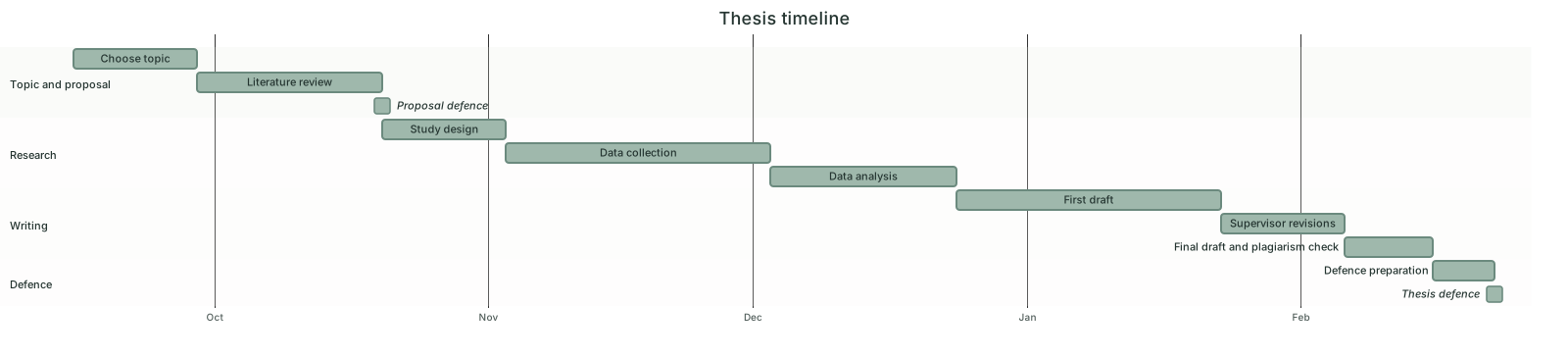 Thesis Timeline Gantt Chart Template
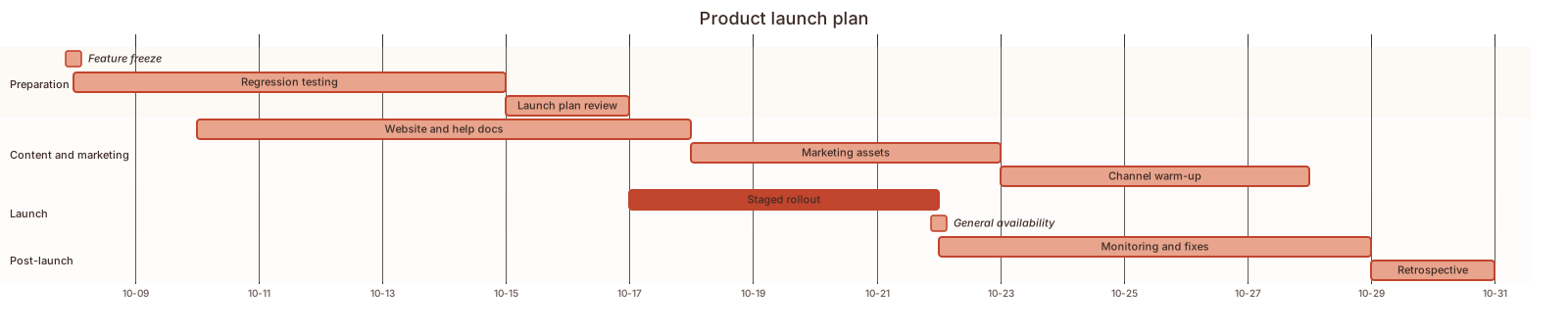 Product Launch Plan Gantt Chart Template
 Event Planning Gantt Chart Template
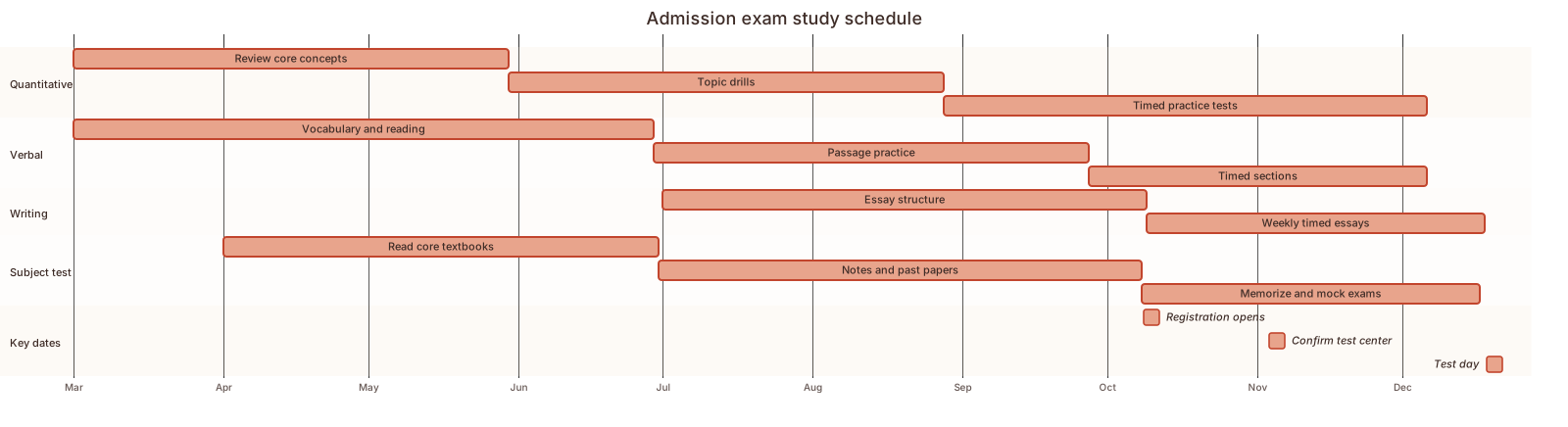 Exam study schedule Gantt chart template
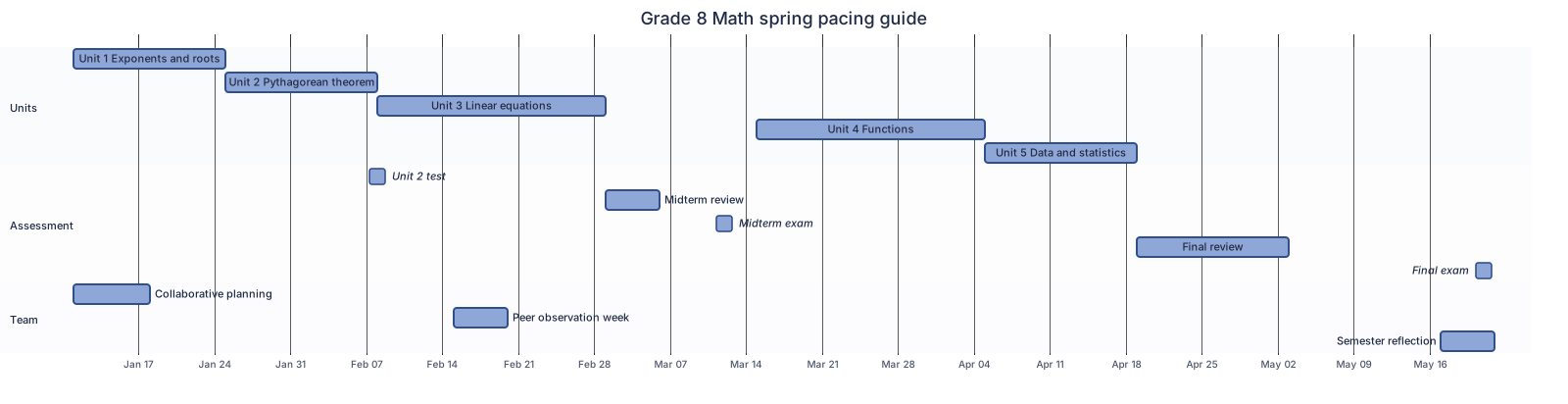 Semester pacing guide Gantt chart template
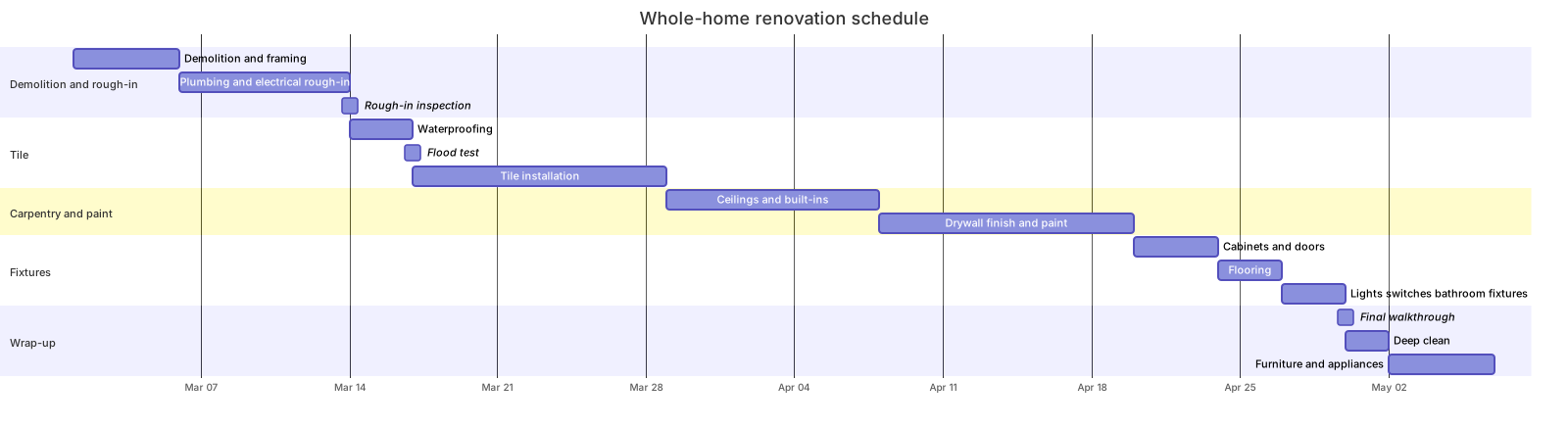 Home renovation schedule Gantt chart template
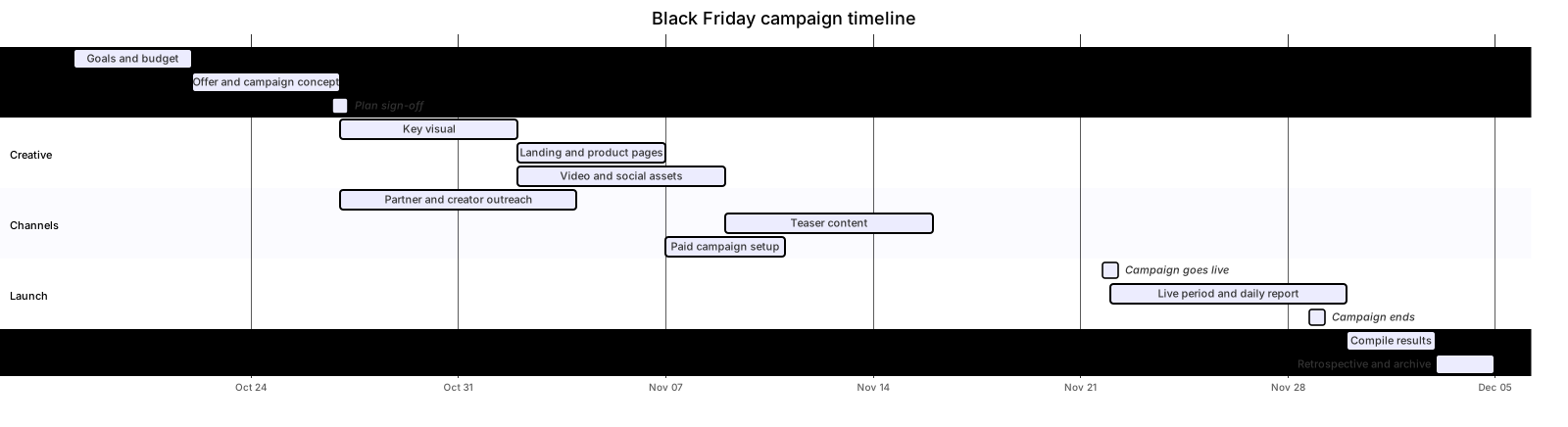 Marketing campaign timeline Gantt chart template
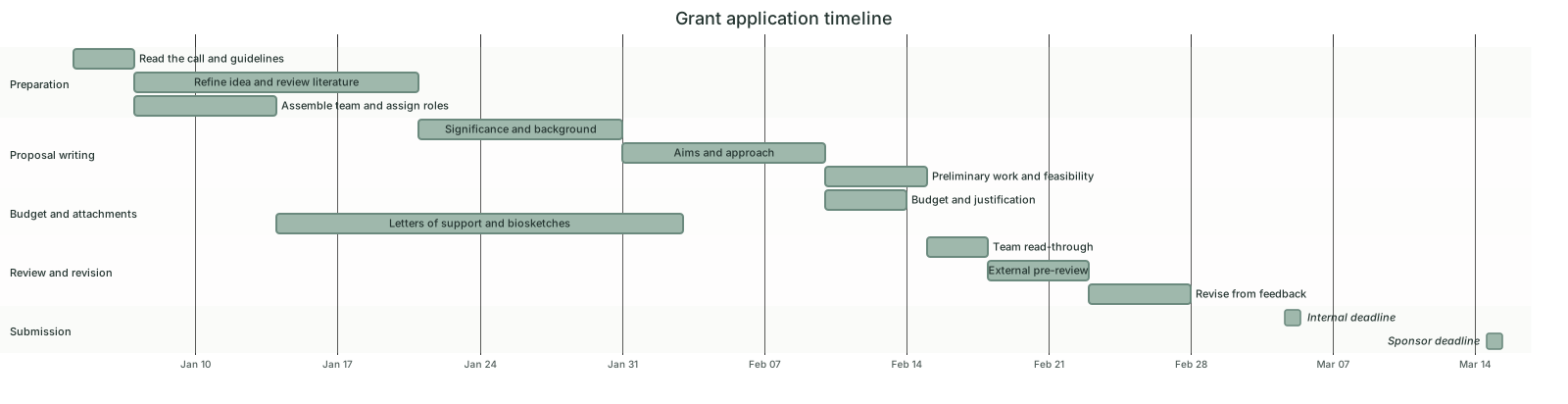 Grant application timeline Gantt chart template
Updated 2026-11-11