When to use it
Use it to agree a timeline with your contractor before work starts, to check progress each week before a payment, or to schedule material deliveries. Inspection points are milestones, so payments can follow them, and for items with a lead time, such as custom cabinets and tile, the chart shows the last day they can arrive.
Make it yours
- Set the days from your floor area and your contractor's quote; later tasks shift automatically.
- Add the trade or a contact name to each task to make site coordination easier.
- Paint and finishes dry more slowly in cold or humid weather, so lengthen those tasks.
Mermaid code
gantt
    title Whole-home renovation schedule
    dateFormat YYYY-MM-DD
    axisFormat %b %d
    todayMarker off
    section Demolition and rough-in
    Demolition and framing :a1, 2027-03-01, 5d
    Plumbing and electrical rough-in :a2, after a1, 8d
    Rough-in inspection :milestone, a3, after a2, 0d
    section Tile
    Waterproofing :b1, after a2, 3d
    Flood test :milestone, b2, after b1, 0d
    Tile installation :b3, after b1, 12d
    section Carpentry and paint
    Ceilings and built-ins :c1, after b3, 10d
    Drywall finish and paint :c2, after c1, 12d
    section Fixtures
    Cabinets and doors :d1, after c2, 4d
    Flooring :d2, after d1, 3d
    Lights switches bathroom fixtures :d3, after d2, 3d
    section Wrap-up
    Final walkthrough :milestone, e1, after d3, 0d
    Deep clean :e2, after d3, 2d
    Furniture and appliances :e3, after e2, 5d
Ask an AI for one with this structure
Send the prompt below to ChatGPT or Claude, then paste the whole reply into the editor; the code inside is detected automatically.
Draw a whole-home renovation schedule with Mermaid gantt syntax. Use dateFormat YYYY-MM-DD and add todayMarker off. Create five sections: Demolition and rough-in, Tile, Carpentry and paint, Fixtures, and Wrap-up. Link tasks in work order with after, and use milestones for the rough-in inspection, the flood test and the final walkthrough. Output only the mermaid code block.
FAQ
- Will my renovation take this long?
Not necessarily. The durations are examples; the real schedule depends on size, methods and your contractor, and your contract governs.
- A task is running late. How do I update the chart?
Increase its duration. Every task linked to it with
aftermoves back with it.- I am not sure what each stage involves.
Start with the home renovation mind map in the library to see what each stage covers, then use this chart for timing.
More in this category
 Project Schedule Gantt Chart Template
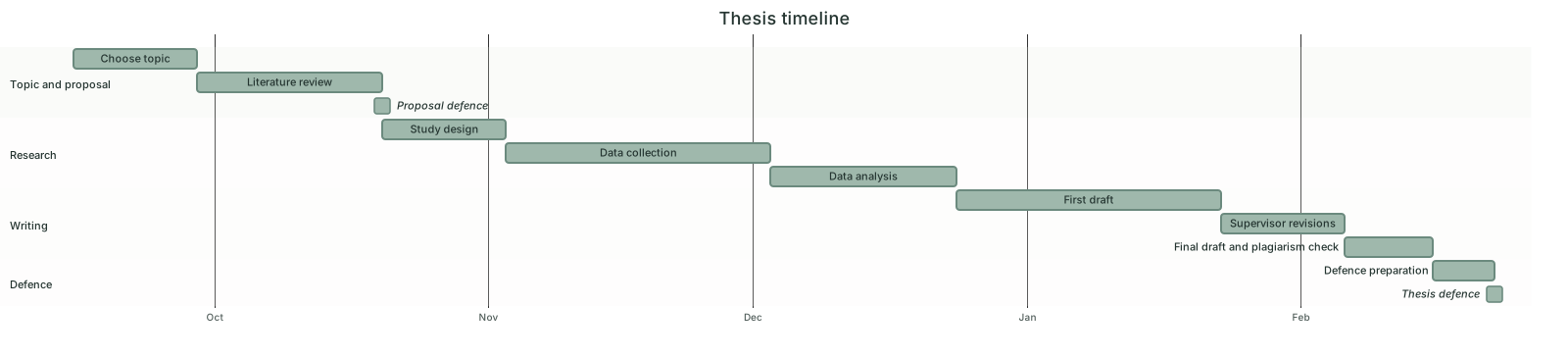 Thesis Timeline Gantt Chart Template
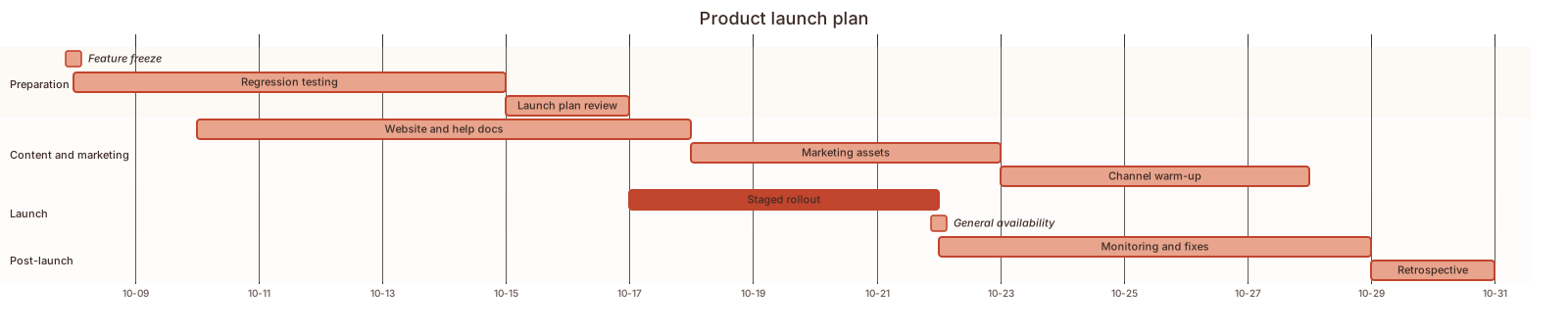 Product Launch Plan Gantt Chart Template
 Event Planning Gantt Chart Template
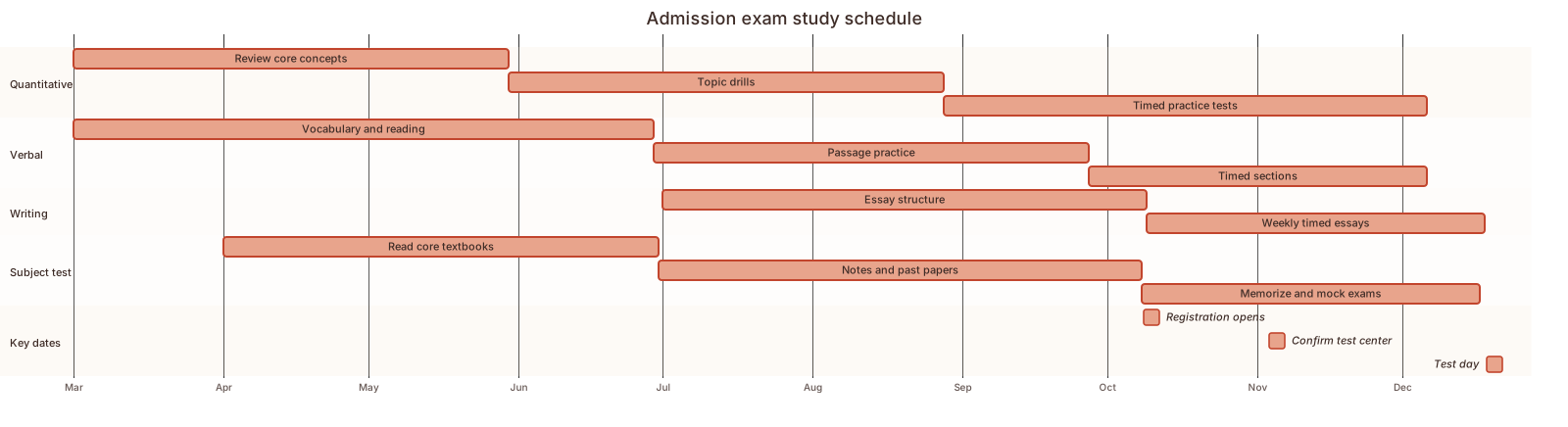 Exam study schedule Gantt chart template
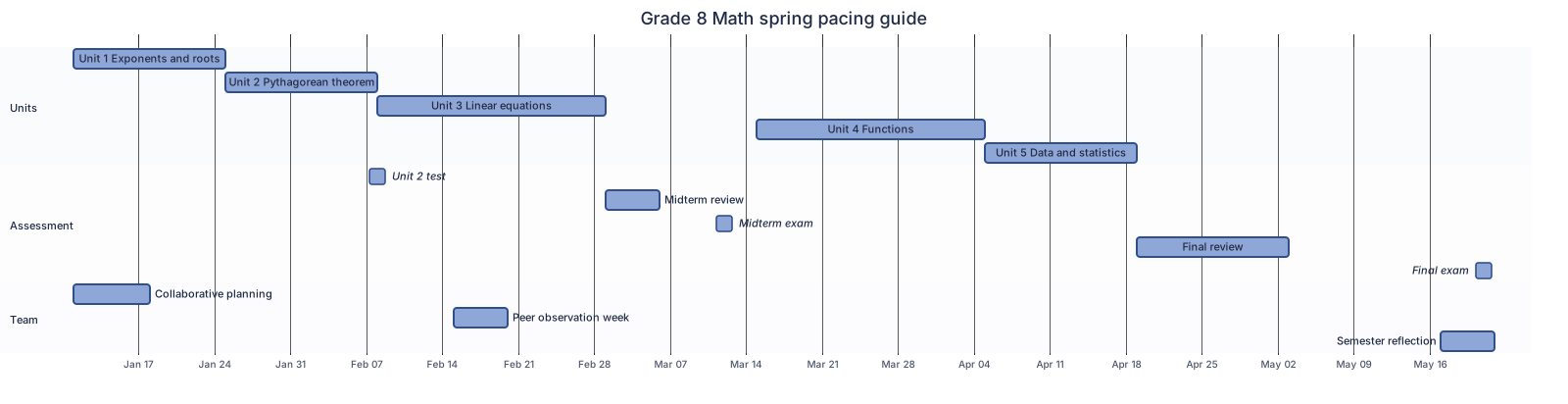 Semester pacing guide Gantt chart template
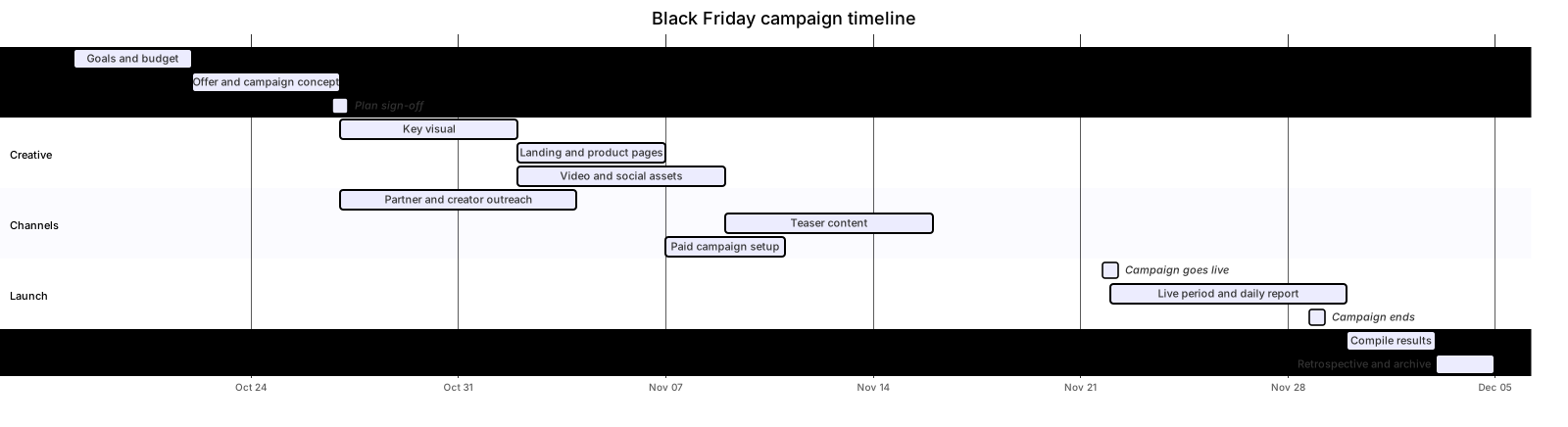 Marketing campaign timeline Gantt chart template
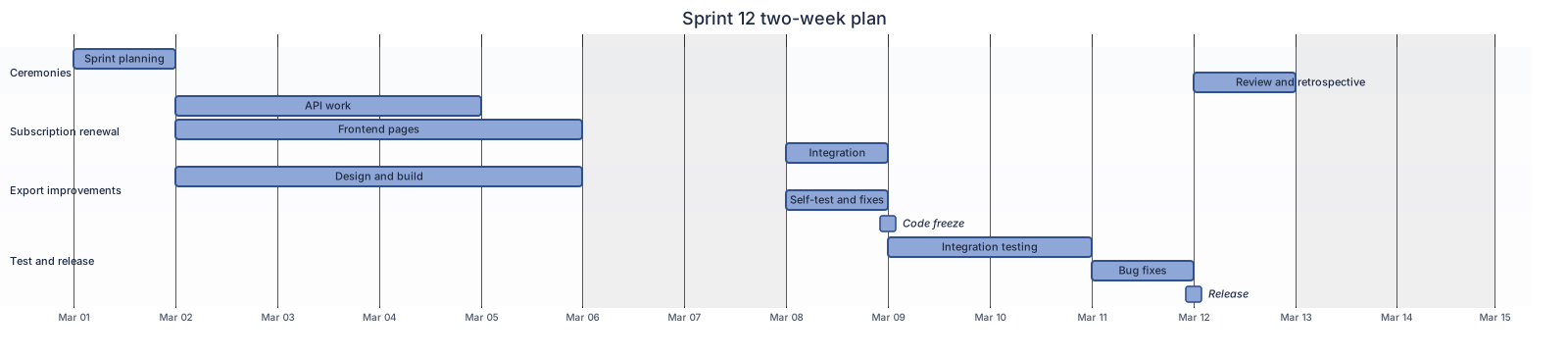 Two-week sprint plan Gantt chart template
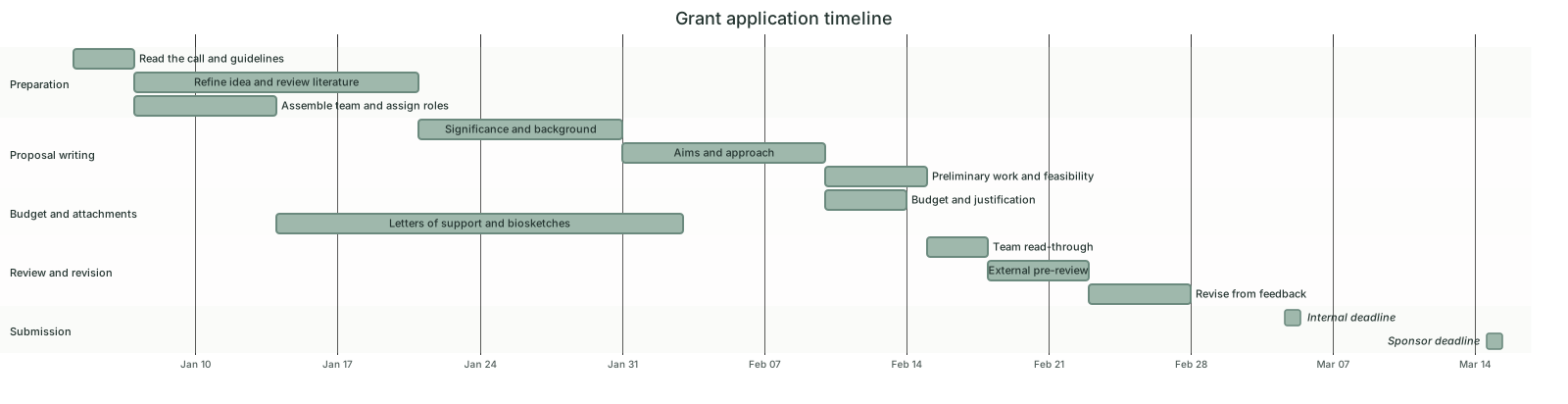 Grant application timeline Gantt chart template
Updated 2026-11-11