When to use it
Marketing teams can use it to schedule a seasonal sale, a product push or a holiday campaign, and to show stakeholders where things stand. Creative and channel work run side by side, and the chart shows which late task would threaten the launch date.
Make it yours
- Set the title and launch date first, then schedule earlier tasks backward from launch.
- Add an owner to each task name, such as "Key visual, Maya".
- For a short campaign, compress planning and creative to one or two tasks each.
Mermaid code
gantt
    title Black Friday campaign timeline
    dateFormat YYYY-MM-DD
    axisFormat %b %d
    todayMarker off
    section Planning
    Goals and budget :a1, 2027-10-18, 4d
    Offer and campaign concept :a2, after a1, 5d
    Plan sign-off :milestone, a3, after a2, 0d
    section Creative
    Key visual :b1, after a2, 6d
    Landing and product pages :b2, after b1, 5d
    Video and social assets :b3, after b1, 7d
    section Channels
    Partner and creator outreach :c1, after a2, 8d
    Teaser content :c2, after b3, 7d
    Paid campaign setup :c3, after b2, 4d
    section Launch
    Campaign goes live :milestone, d1, 2027-11-22, 0d
    Live period and daily report :d2, 2027-11-22, 8d
    Campaign ends :milestone, d3, 2027-11-29, 0d
    section Review
    Compile results :e1, 2027-11-30, 3d
    Retrospective and archive :e2, after e1, 2d
Ask an AI for one with this structure
Send the prompt below to ChatGPT or Claude, then paste the whole reply into the editor; the code inside is detected automatically.
Draw a marketing campaign timeline with Mermaid gantt syntax. Use dateFormat YYYY-MM-DD and add todayMarker off. Create five sections: Planning, Creative, Channels, Launch and Review. Creative and channel tasks run in parallel after the plan is signed off, linked with after. Use milestones for plan sign-off, campaign goes live and campaign ends. Output only the mermaid code block.
FAQ
- How do I schedule backward from launch?
Fix the launch date, then set the start dates and durations of earlier tasks so they finish just before it, leaving a day or two of slack on each.
- Can I see who has the most work?
Make the sections people or teams instead of phases. One track per person shows the load at a glance.
- The plan changed mid-campaign.
Edit the dates in the code and export again. With a share link, others always open the latest version you send.
More in this category
 Project Schedule Gantt Chart Template
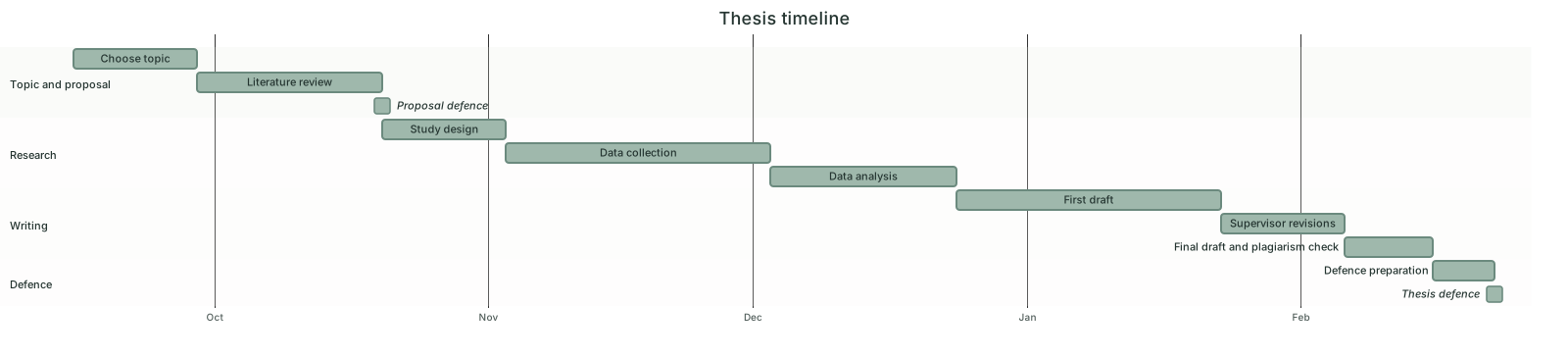 Thesis Timeline Gantt Chart Template
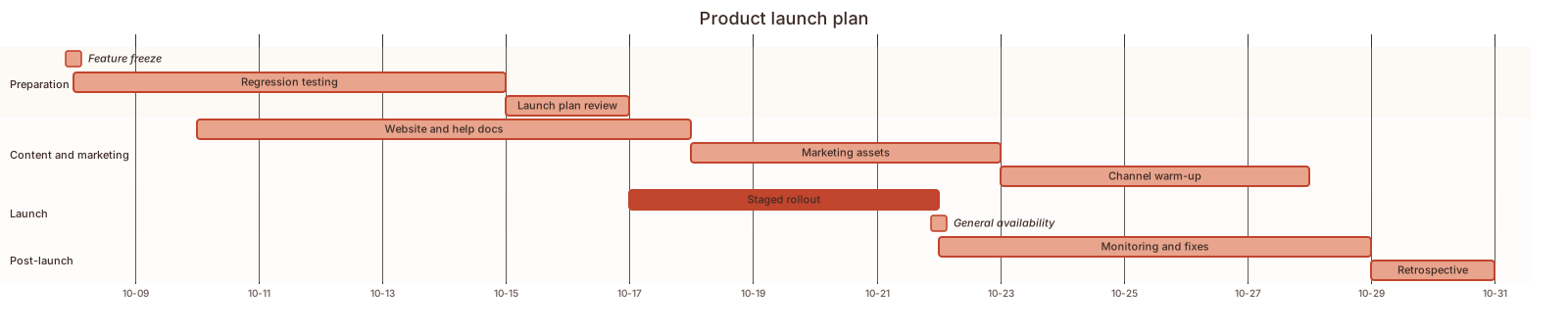 Product Launch Plan Gantt Chart Template
 Event Planning Gantt Chart Template
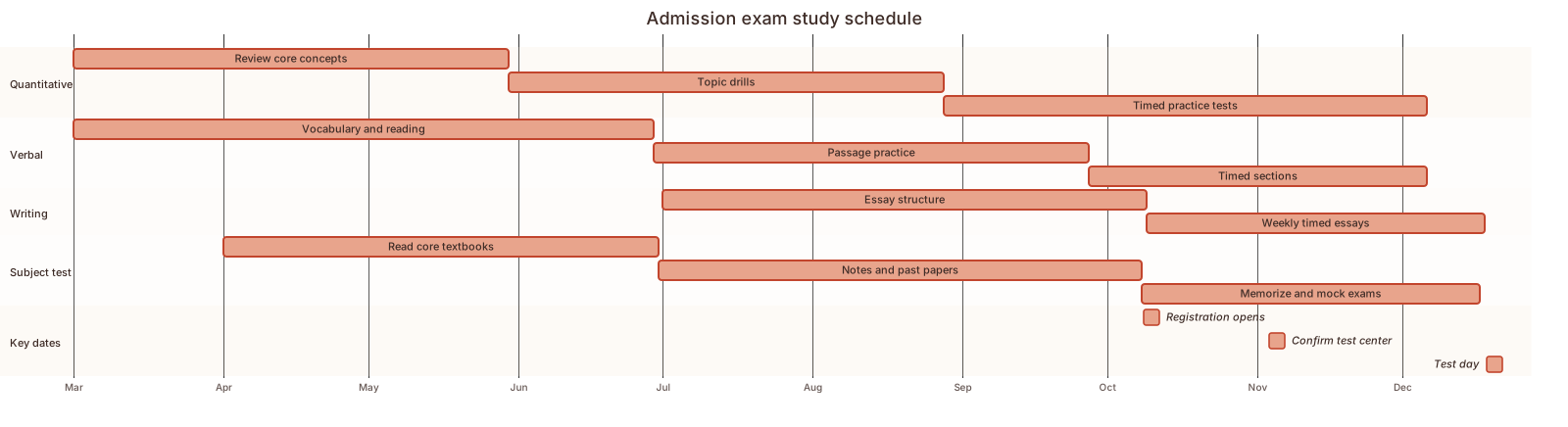 Exam study schedule Gantt chart template
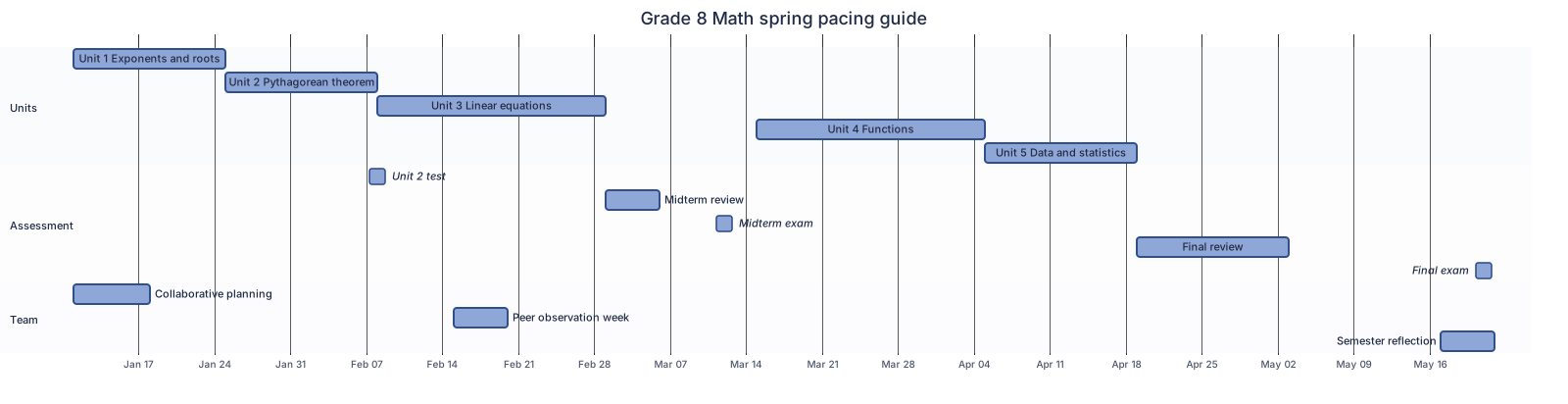 Semester pacing guide Gantt chart template
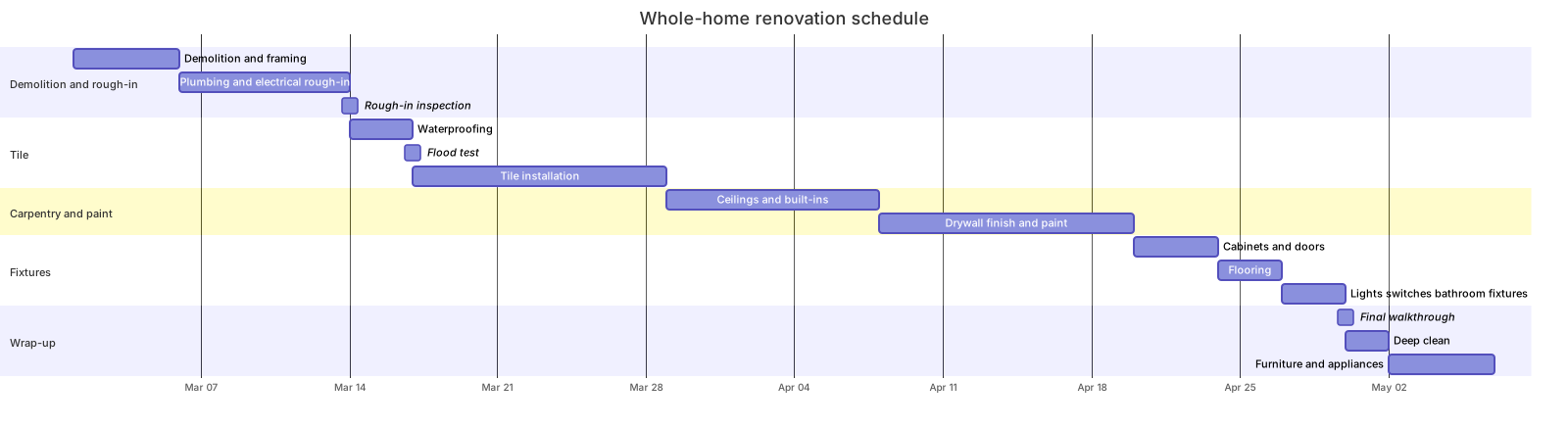 Home renovation schedule Gantt chart template
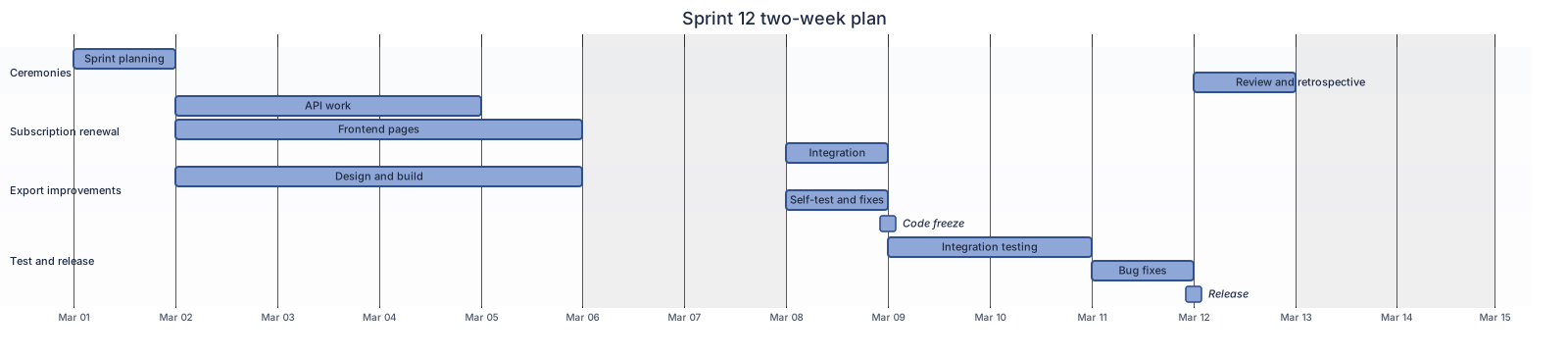 Two-week sprint plan Gantt chart template
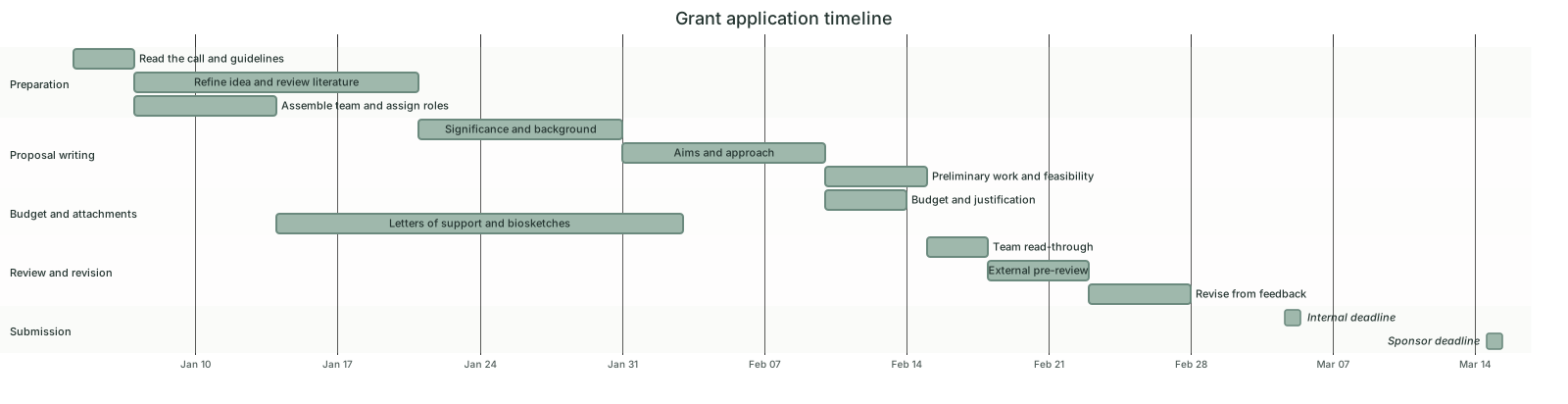 Grant application timeline Gantt chart template
Updated 2026-11-11