Ready-made Gantt chart templates
Open one for the preview and the full code, and download PNG, SVG, Word or PowerPoint right there; “Open in the editor” lets you edit the text and pick a theme before exporting.

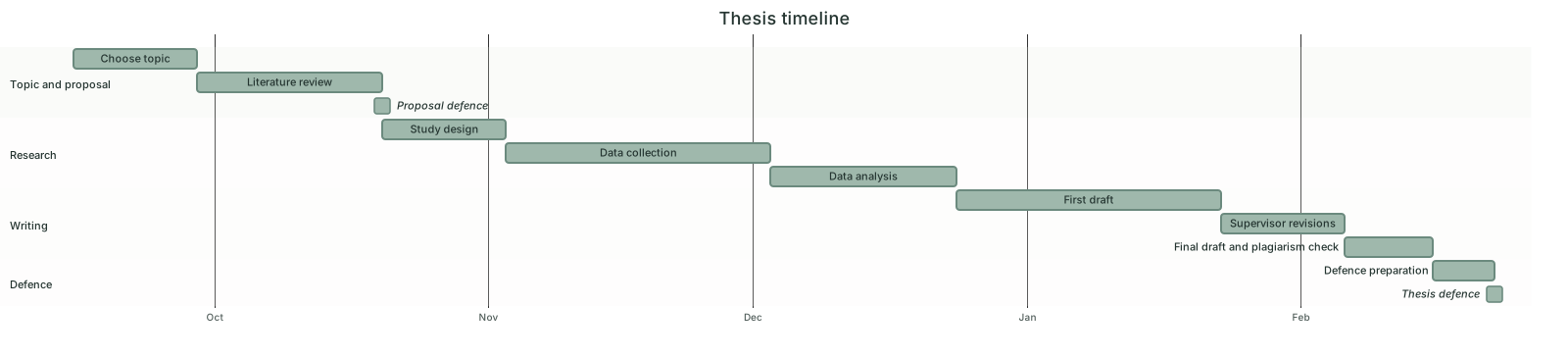
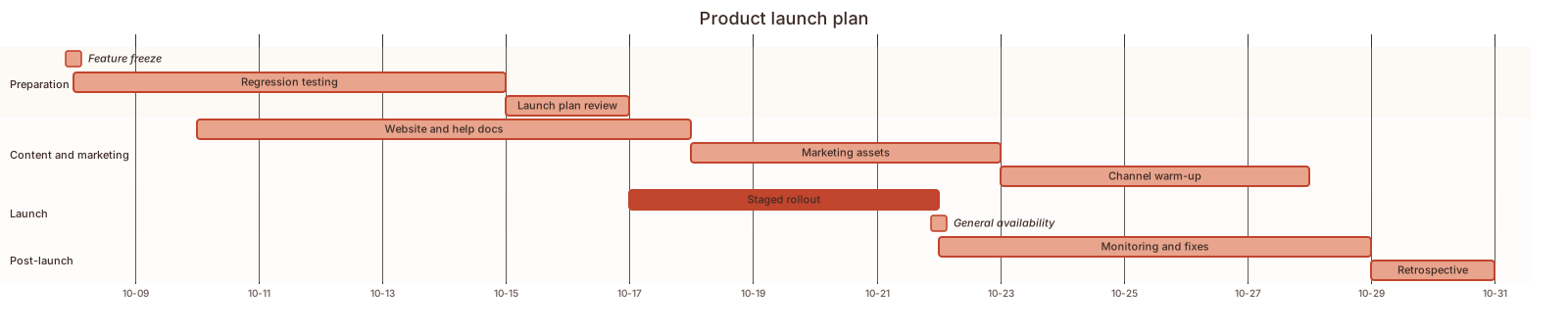

Three steps to a finished chart
- 1Click "Open the example and edit it" above, or open the template closest to your phases in the editor
- 2Change task names, start dates and durations in the code; write a task as after the previous task id and it moves when earlier dates change. Or send the prompt below to an AI assistant with your phases and paste its whole reply
- 3Pick a theme, then choose Export to Word or Export to PowerPoint; when the plan changes, edit a few dates and export again
How to write a Gantt chart in Mermaid
Try it: copy this and paste it into the editor to render it.
mermaid
gantt
    title Project plan
    dateFormat YYYY-MM-DD
    axisFormat %m-%d
    todayMarker off
    section Requirements
    Research :a1, 2026-03-02, 7d
    Review :a2, after a1, 3d
    section Build
    Design :b1, after a2, 5d
    Development :b2, after b1, 14d
    section Test and launch
    Testing and fixes :c1, after b2, 7d
Launch :milestone, c2, after c1, 0d- Start with gantt, then dateFormat YYYY-MM-DD to state the date format and title for the heading
- section Name starts a group; each line below is a task: Task name :id, start date, duration (such as 7d or 2w)
- To follow another task write after id: Write draft :b, after a, 14d. For a milestone add milestone and a duration of 0d
- Status tags done, active and crit go before the id. Dates need a plain hyphen, not a look-alike dash
Ask an AI for your own version with this structure
Send the prompt below to ChatGPT or Claude with the parts in [brackets] replaced by yours, then paste the whole reply into the editor; the code inside is detected automatically.
prompt.txt
Draw a Gantt chart with Mermaid gantt syntax. The project is [project name], starting on [start date], with the phases [requirements, build, test and launch], one section each. The tasks and durations are: [research 7 days, review 3 days; design 5 days; ...]. After the first line add dateFormat YYYY-MM-DD and todayMarker off; write each task as "name :id, start, duration", chain later tasks with after and the previous id, and finish with a milestone. Use plain hyphens in dates. Output only the mermaid code block.
Frequently asked questions
- How do I show that one task depends on another?
- Give the earlier task an id and set the later task to start after that id. When the earlier task changes its date or duration, the later one shifts with it, so you do not edit every date by hand.
- How do I plan a thesis schedule as a Gantt chart?
- Use one section per stage, such as proposal, literature review, research, writing, and revision and defense, with two to four tasks each and their dates. There is a thesis schedule template here that only needs new dates.
- Can the time axis show weeks or months?
- Yes. Add axisFormat to set the tick label, for example axisFormat %m-%d for month-day or %Y-%m for year-month, and tickInterval 1week or 1month to space the ticks.
- Can weekends and holidays be skipped?
- Add excludes weekends and durations count working days only; specific dates can be excluded too, such as excludes 2026-12-25. Excluded days are drawn as grey bands.
- What is the red vertical line, and can I remove it?
- It marks today. When the date range does not include today it lands at the edge of the chart. Add todayMarker off to hide it; the templates on this site already do.