When to use it
Use it to plan a long run-up to a big exam, to check progress each month, or to keep a study partner accountable. Each subject has its own track, so you can see what should be moving at the same time, and the last track keeps registration dates from being forgotten.
Make it yours
- Set the first date to the day you start; tasks linked with
aftershift automatically. - Replace a track you do not need with another subject.
- Registration and test dates change every year, so replace the sample dates once the official ones are announced.
Mermaid code
grad-exam-study-gantt.mmd
gantt
    title Admission exam study schedule
    dateFormat YYYY-MM-DD
    axisFormat %b
    todayMarker off
    section Quantitative
    Review core concepts :m1, 2026-03-01, 90d
    Topic drills :m2, after m1, 90d
    Timed practice tests :m3, after m2, 100d
    section Verbal
    Vocabulary and reading :e1, 2026-03-01, 120d
    Passage practice :e2, after e1, 90d
    Timed sections :e3, after e2, 70d
    section Writing
    Essay structure :p1, 2026-07-01, 100d
    Weekly timed essays :p2, after p1, 70d
    section Subject test
    Read core textbooks :z1, 2026-04-01, 90d
    Notes and past papers :z2, after z1, 100d
    Memorize and mock exams :z3, after z2, 70d
    section Key dates
    Registration opens :milestone, k1, 2026-10-10, 0d
    Confirm test center :milestone, k2, 2026-11-05, 0d
    Test day :milestone, k3, 2026-12-20, 0d
Ask an AI for one with this structure
Send the prompt below to ChatGPT or Claude, then paste the whole reply into the editor; the code inside is detected automatically.
prompt.txt
Draw an exam study schedule with Mermaid gantt syntax. Use dateFormat YYYY-MM-DD and add todayMarker off. Create four subject sections, Quantitative, Verbal, Writing and Subject test, each with two or three tasks for foundation, practice and review linked with after. Add a Key dates section with milestones for registration opening, confirming the test center and test day. Output only the mermaid code block.
FAQ
- How do I change how long a task lasts?
The
90dat the end of a line is the duration in days. You can also give an end date, such as2026-03-01, 2026-05-31.- Can I mark finished phases?
Yes. Add
done,after the colon, such asReview core concepts :done, m1, 2026-03-01, 90d, and the bar changes color.- Are the exam dates on the chart real?
No, they are examples. Check the official announcement for your exam.
More in this category
 Project Schedule Gantt Chart Template
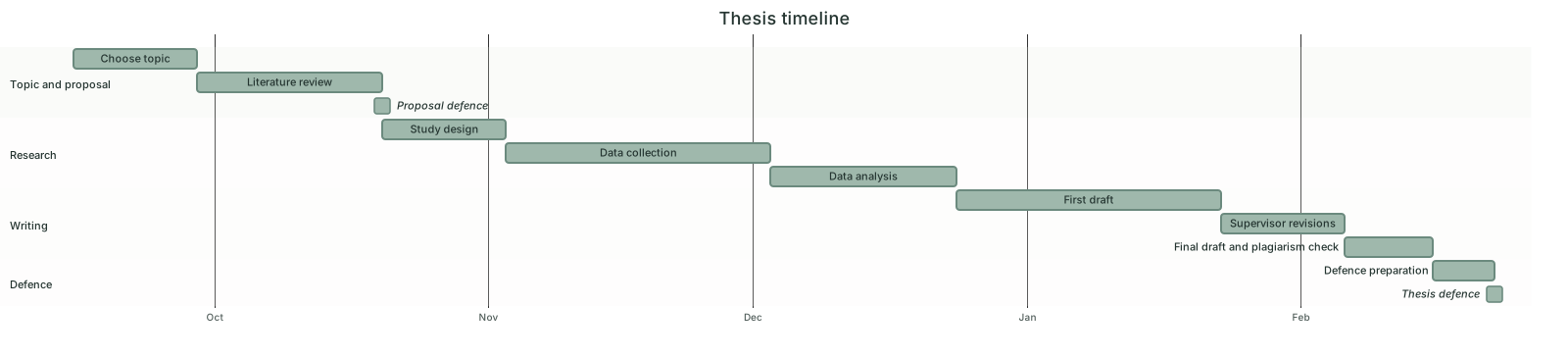 Thesis Timeline Gantt Chart Template
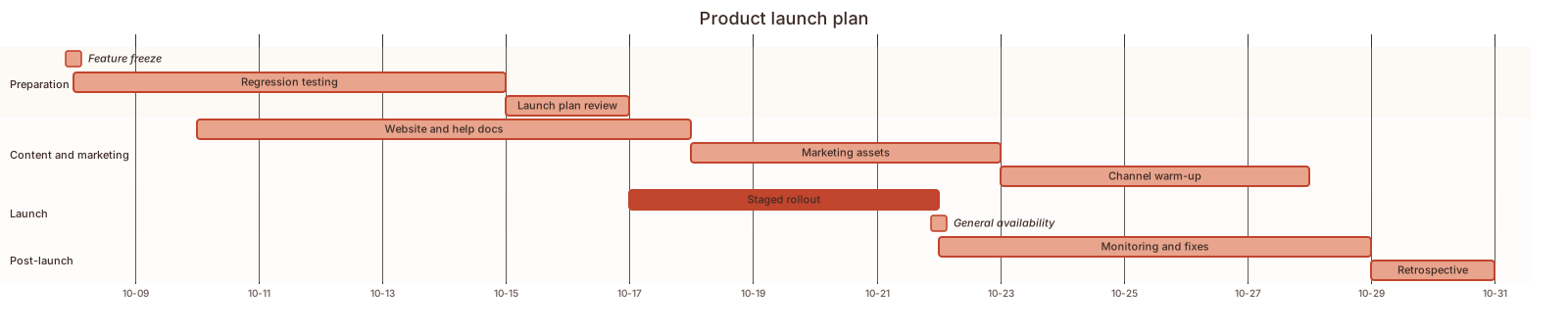 Product Launch Plan Gantt Chart Template
 Event Planning Gantt Chart Template
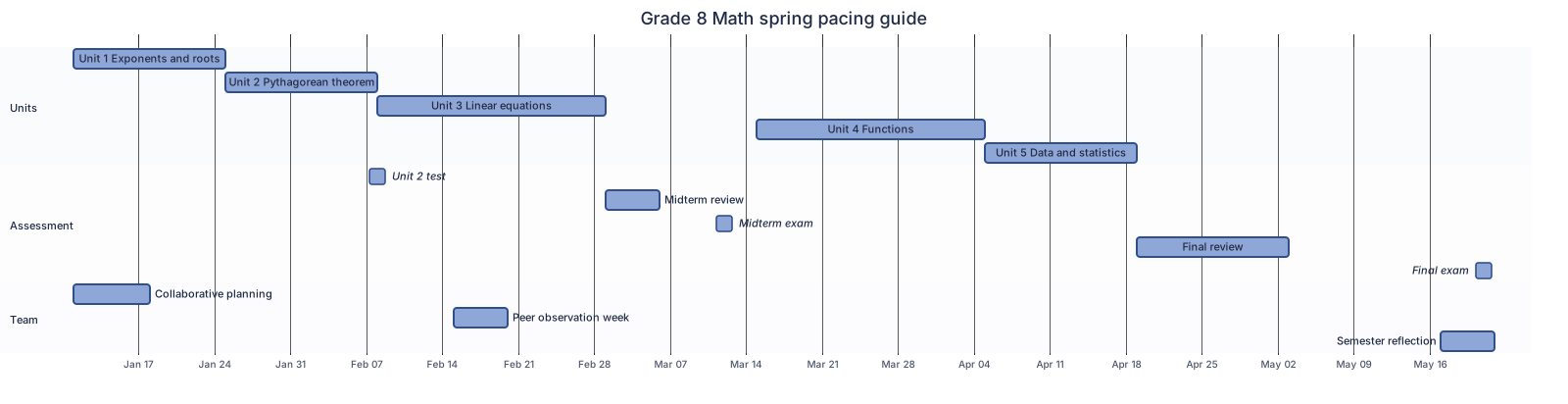 Semester pacing guide Gantt chart template
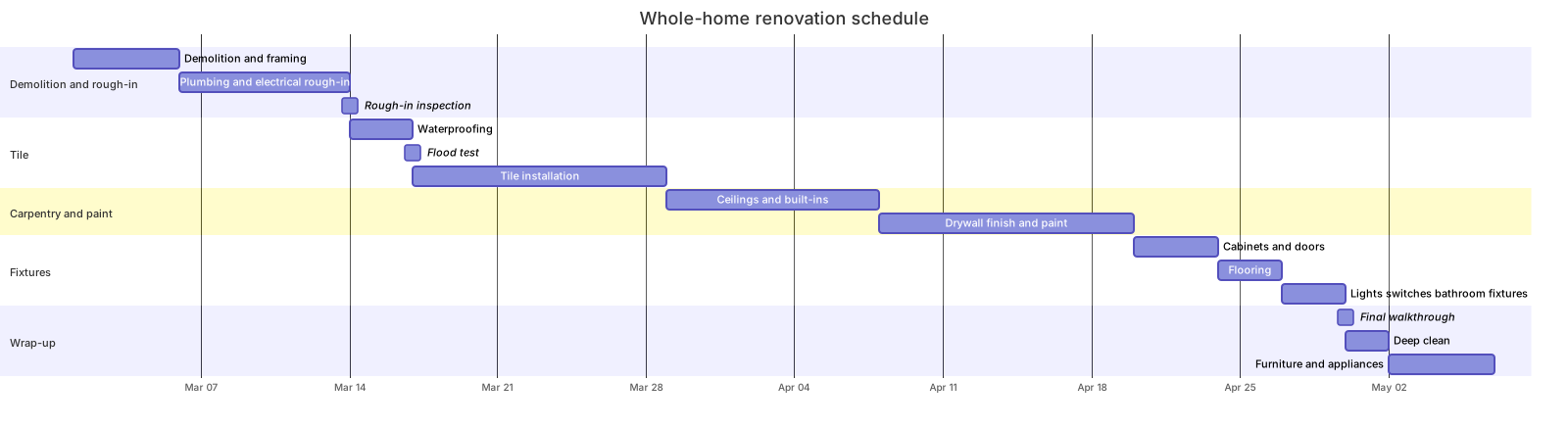 Home renovation schedule Gantt chart template
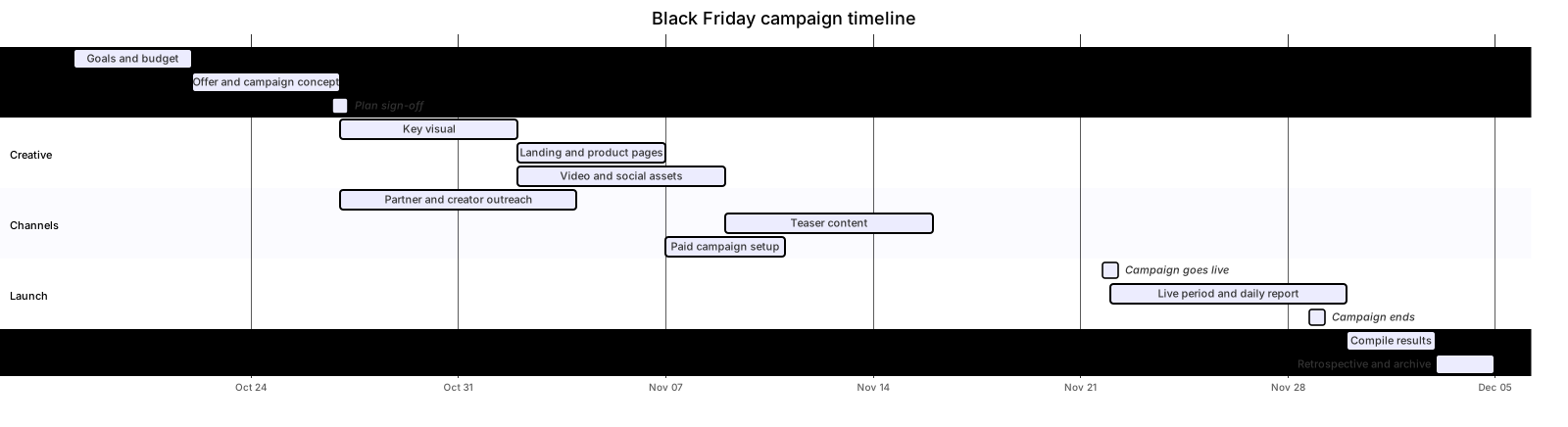 Marketing campaign timeline Gantt chart template
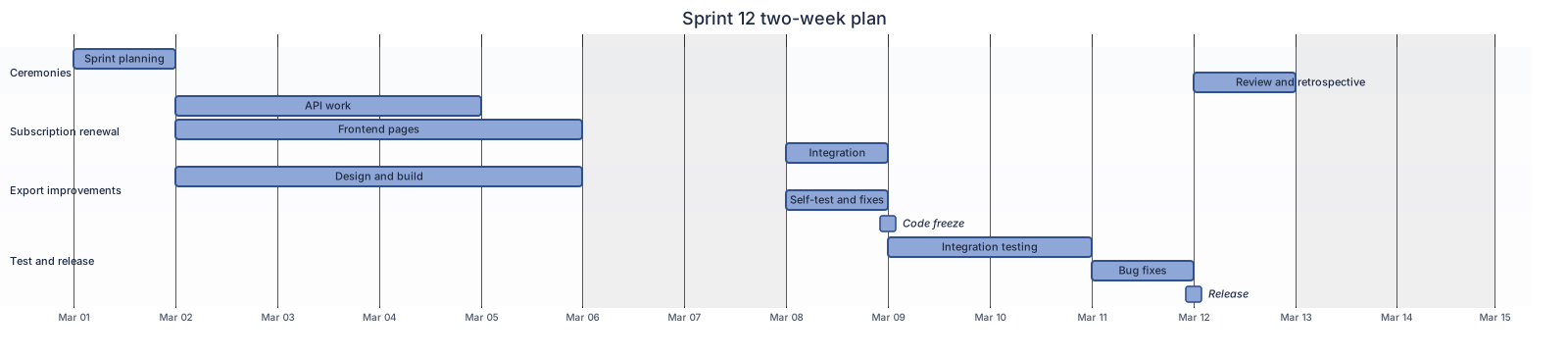 Two-week sprint plan Gantt chart template
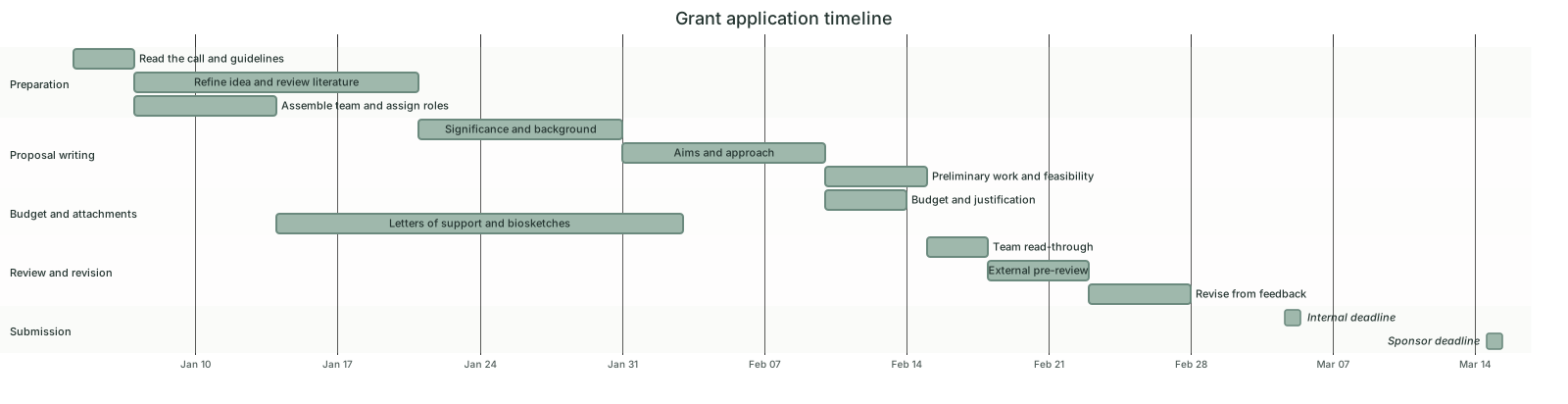 Grant application timeline Gantt chart template
Updated 2026-11-11