When to use it
Use it to design a login module, document the API, or produce the login sequence diagram for a course or capstone project. It includes three details that are easy to miss and that reviewers ask about: checking the send rate first, giving the code an expiry, and deleting it as soon as it is used.
Make it yours
- If the first sign-in creates an account, add "Create account if none exists" in the correct-code branch.
- With a CAPTCHA step, insert its messages before the code request.
- Set the expiry and rate limits from your own security policy.
Mermaid code
sequenceDiagram
    actor U as User
    participant C as App
    participant A as Auth service
    participant R as Cache
    participant S as SMS gateway
    U->>C: Enter phone number and request code
    C->>A: Request one-time code
    A->>R: Check send rate
    R-->>A: Within limit
    A->>R: Store code for 5 minutes
    A->>S: Send SMS
    S-->>U: Code arrives
    A-->>C: Code sent
    U->>C: Enter code and sign in
    C->>A: Submit phone number and code
    A->>R: Read and compare code
    alt Code is correct
        A->>R: Delete code
        A-->>C: Return session token
        C-->>U: Open home screen
    else Code is wrong or expired
        A-->>C: Return error and count the attempt
        C-->>U: Ask to try again
    end
Ask an AI for one with this structure
Send the prompt below to ChatGPT or Claude, then paste the whole reply into the editor; the code inside is detected automatically.
Draw an SMS one-time code login sequence diagram with Mermaid sequenceDiagram syntax. Participants are User, App, Auth service, Cache and SMS gateway. First the code request: the auth service checks the send rate, stores the code with an expiry and calls the SMS gateway. Then sign-in: the app submits the phone number and code, and the auth service reads and compares. Use alt for two cases: a correct code is deleted and a session token is returned; a wrong or expired code returns an error and counts the attempt. Output only the mermaid code block.
FAQ
- What do alt and else mean?
altstarts alternative cases,elsebegins the next case andendcloses the block. It is drawn as a labeled frame with one compartment per case.- Should the database be on the diagram?
Add a "User store" participant if looking up or creating the user matters. More participants make the diagram wider, so include only what a reviewer needs.
- How long should the code be and how long should it last?
That is a security policy decision based on your risk and applicable guidance. The 5 minutes here is only an example.
More in this category
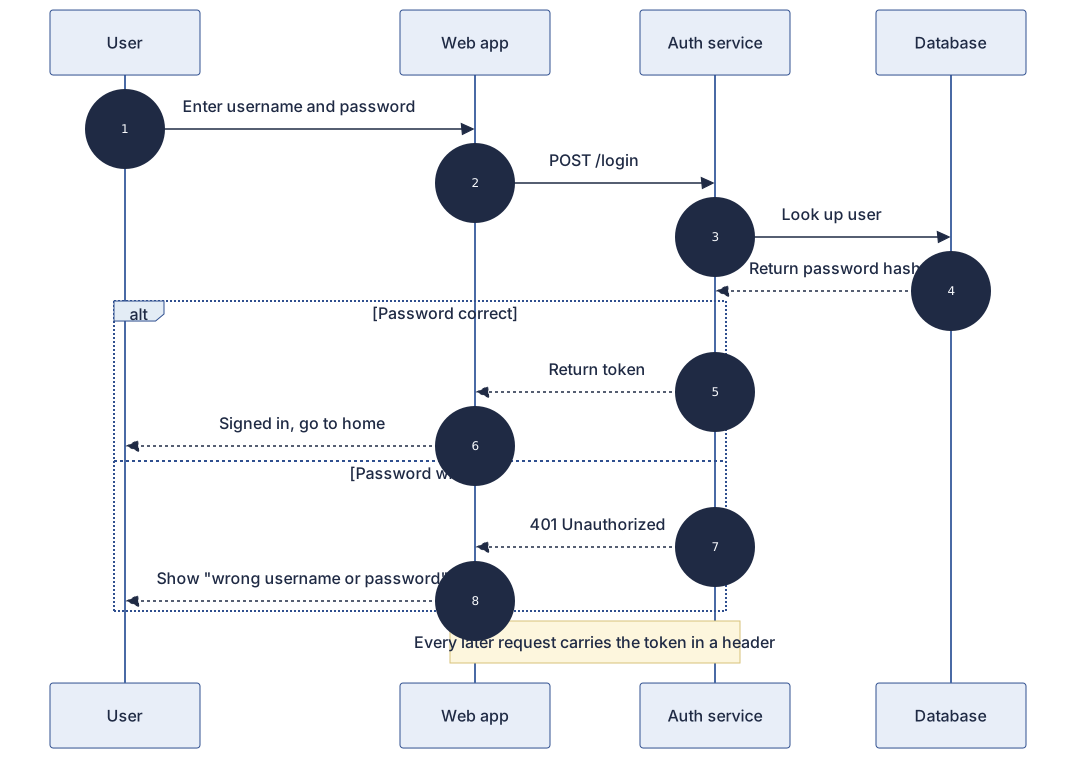 User Login Authentication Sequence Diagram Template
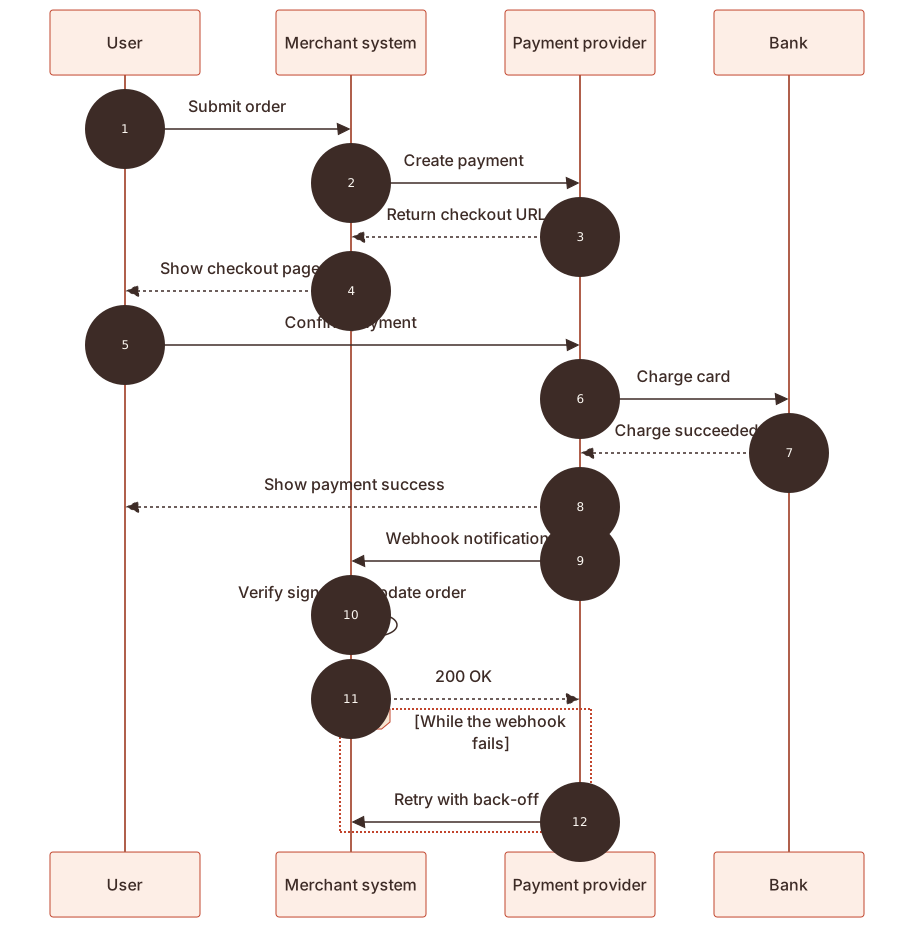 Online Payment Sequence Diagram Template
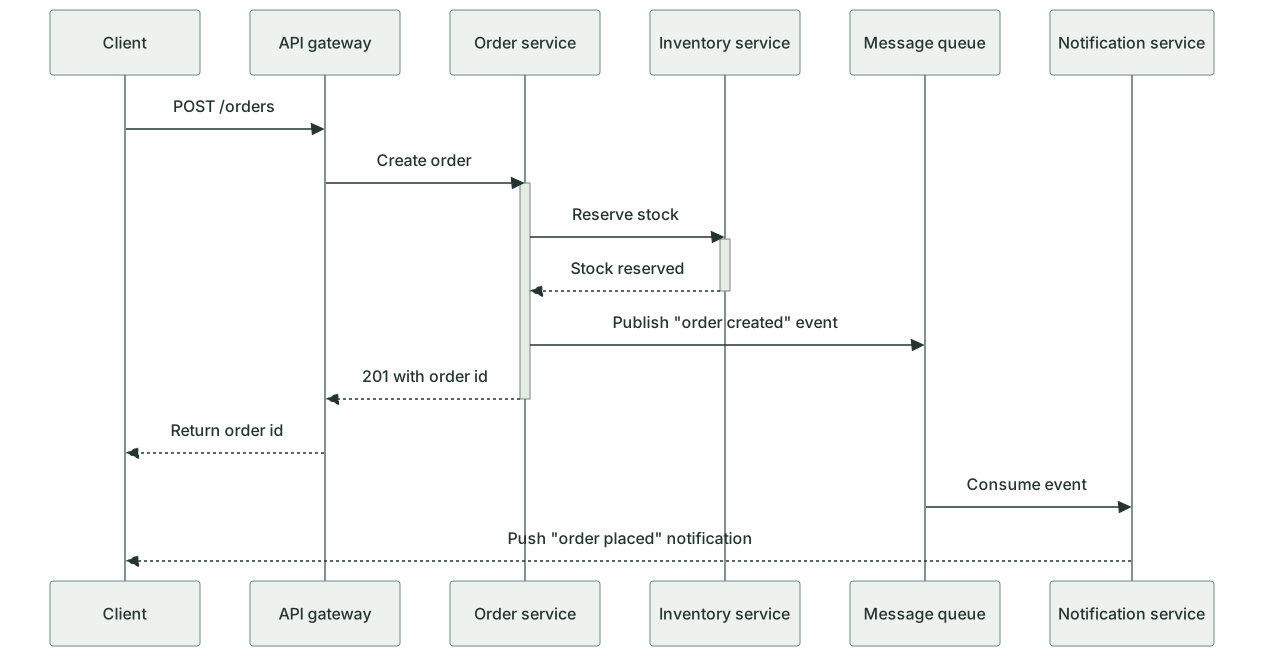 Microservice Call Sequence Diagram Template
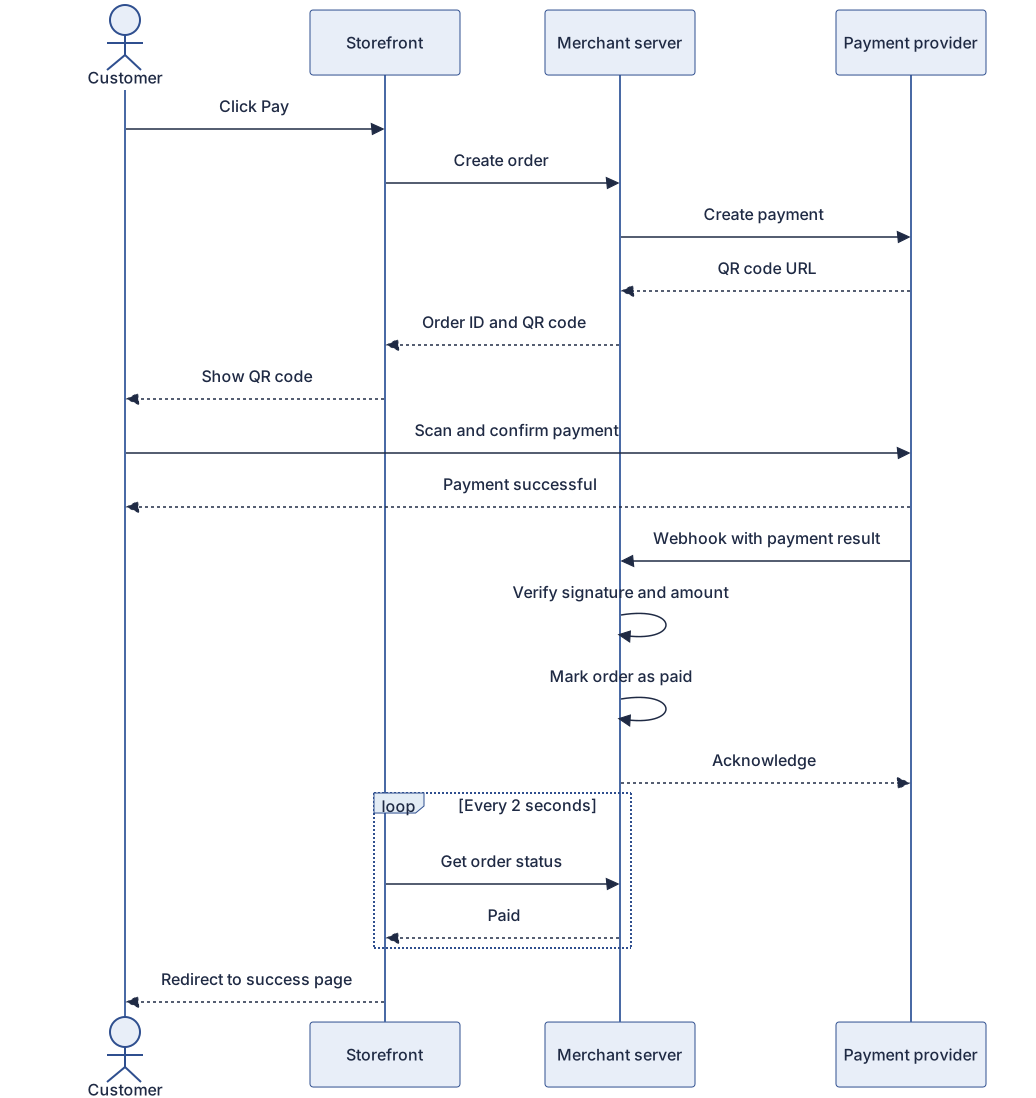 QR code payment sequence diagram template
 OAuth 2.0 login sequence diagram template
 File upload sequence diagram template
 Message queue async processing sequence diagram template
Updated 2026-11-11