When to use it
Use it when you add sign-in with an external provider, explain the authorization code flow to a team, or prepare a security review. It makes two points: the token exchange happens on the backend so the client secret never reaches the browser, and the state value is validated on return to prevent cross-site request forgery.
Make it yours
- Replace "Authorization server" with the provider you integrate by editing the text after
as. - For mobile or single-page apps using PKCE, add "with code challenge" to the redirect and "with code verifier" to the exchange.
- To cover refresh tokens, add messages at the end that trade a refresh token for a new access token.
Mermaid code
sequenceDiagram
    actor U as User
    participant F as App frontend
    participant B as App backend
    participant A as Authorization server
    participant R as Resource server
    U->>F: Click sign in with provider
    F->>B: Request login URL
    B-->>F: Authorization URL and state
    F->>A: Redirect to authorization page
    A->>U: Show sign-in and consent
    U->>A: Sign in and approve
    A-->>F: Redirect with code and state
    F->>B: Send code and state
    B->>B: Validate state
    B->>A: Exchange code and client secret for token
    A-->>B: Access token
    B->>R: Get user profile with token
    R-->>B: User ID and name
    B->>B: Find or create local account
    B-->>F: Create session
    F-->>U: Signed in
Ask an AI for one with this structure
Send the prompt below to ChatGPT or Claude, then paste the whole reply into the editor; the code inside is detected automatically.
Draw an OAuth 2.0 authorization code flow with Mermaid sequenceDiagram syntax. Participants are User, App frontend, App backend, Authorization server and Resource server. The user clicks sign in, the frontend gets the authorization URL and state from the backend and redirects; the user signs in and approves; the authorization server redirects back with a code and state; the frontend sends them to the backend, which validates state, exchanges the code and client secret for an access token, gets the user profile from the resource server, finds or creates a local account and creates a session. Output only the mermaid code block.
FAQ
- Why exchange the code on the backend?
The exchange needs the client secret, which would leak if it lived in the browser. The backend keeps the secret and the frontend only receives a session.
- Is single sign-on drawn the same way?
OpenID Connect sign-on is very close. Replace "Get user profile" with "Validate ID token".
- Are all providers the same?
The overall flow is, but endpoints and parameters differ. Follow each provider's official documentation.
More in this category
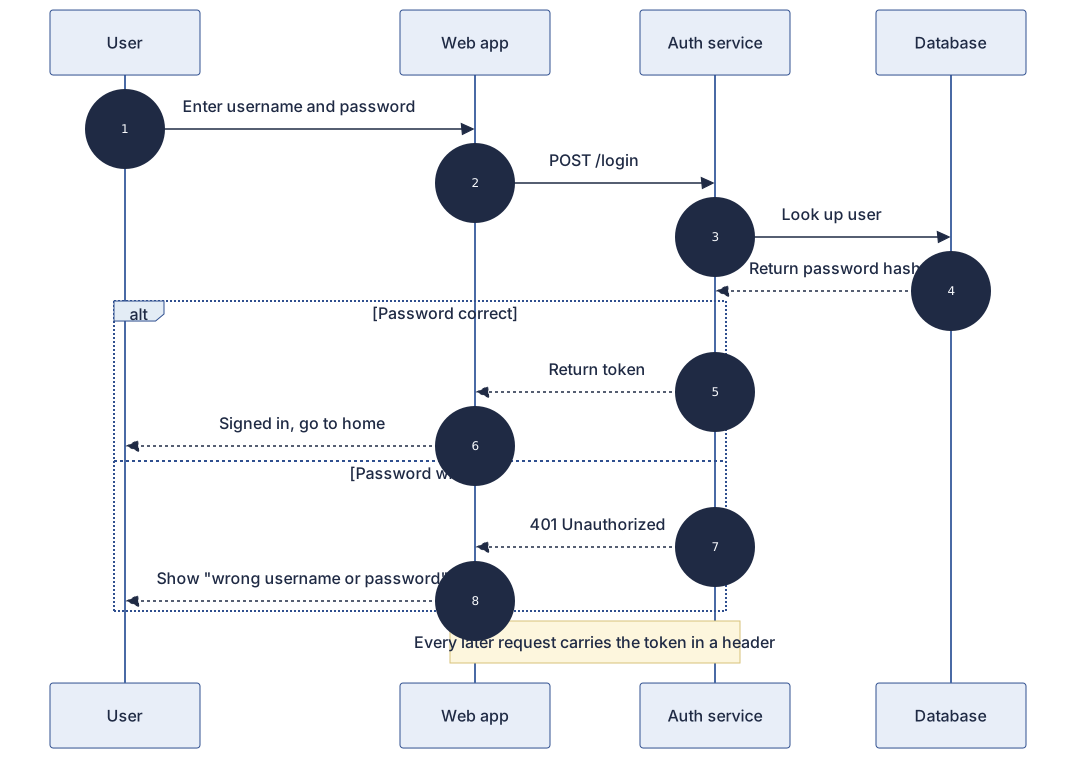 User Login Authentication Sequence Diagram Template
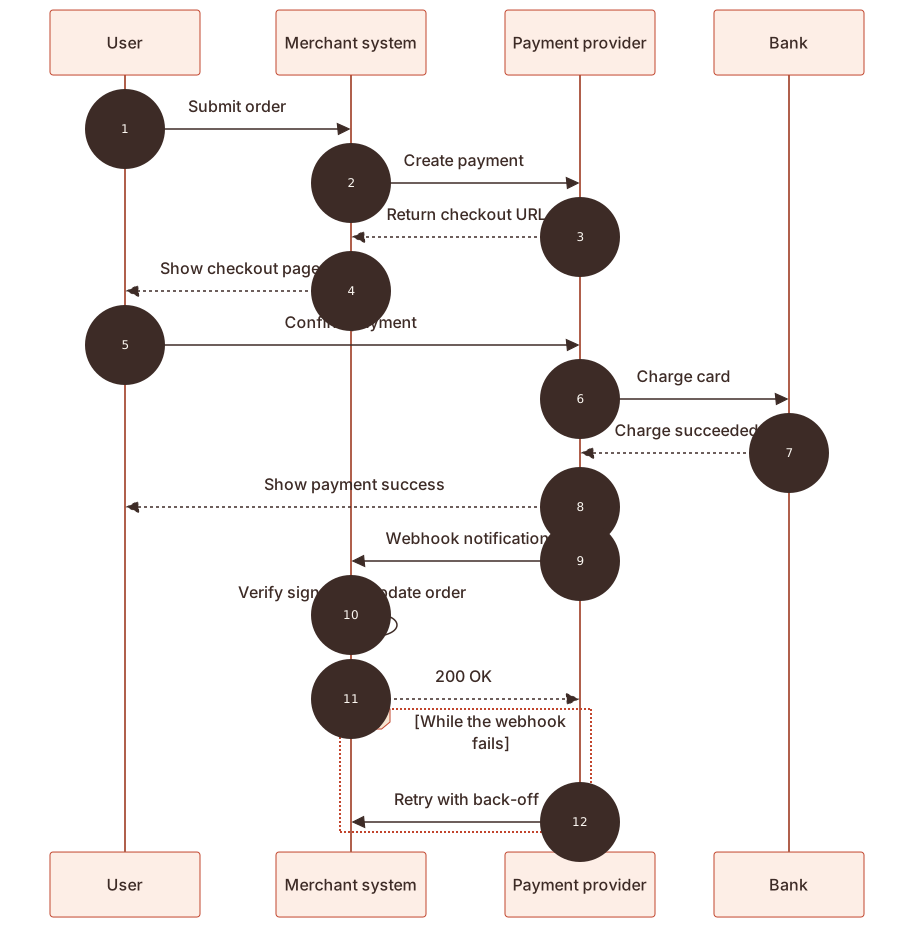 Online Payment Sequence Diagram Template
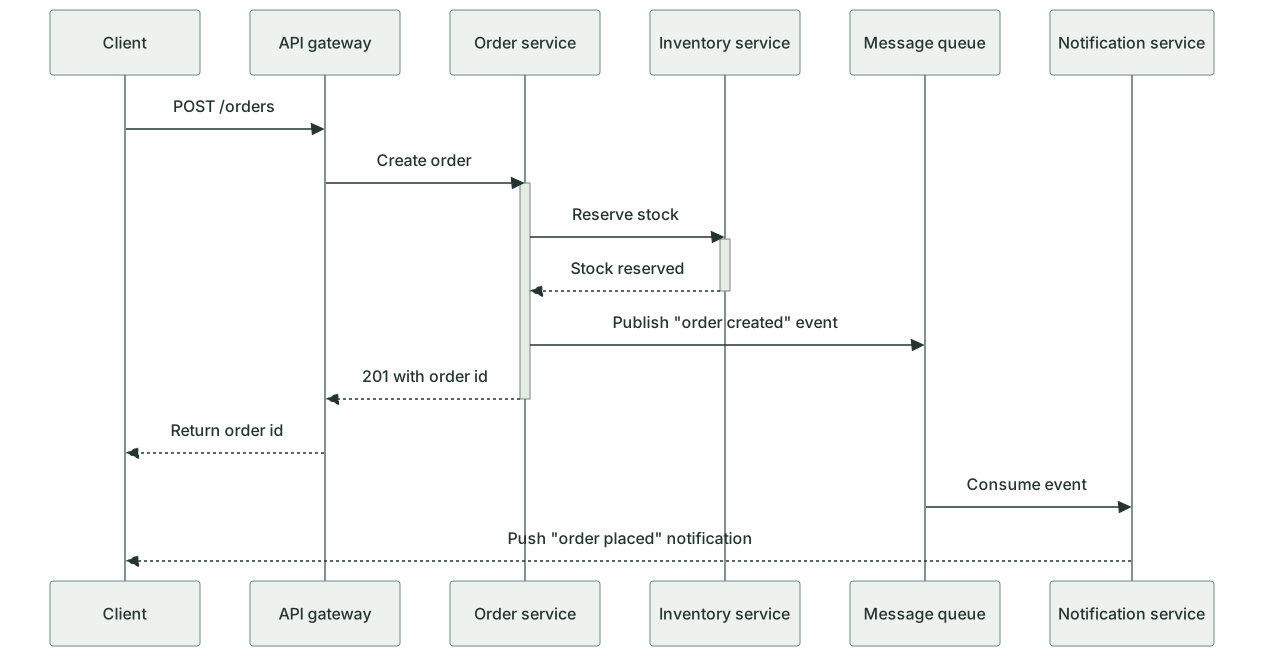 Microservice Call Sequence Diagram Template
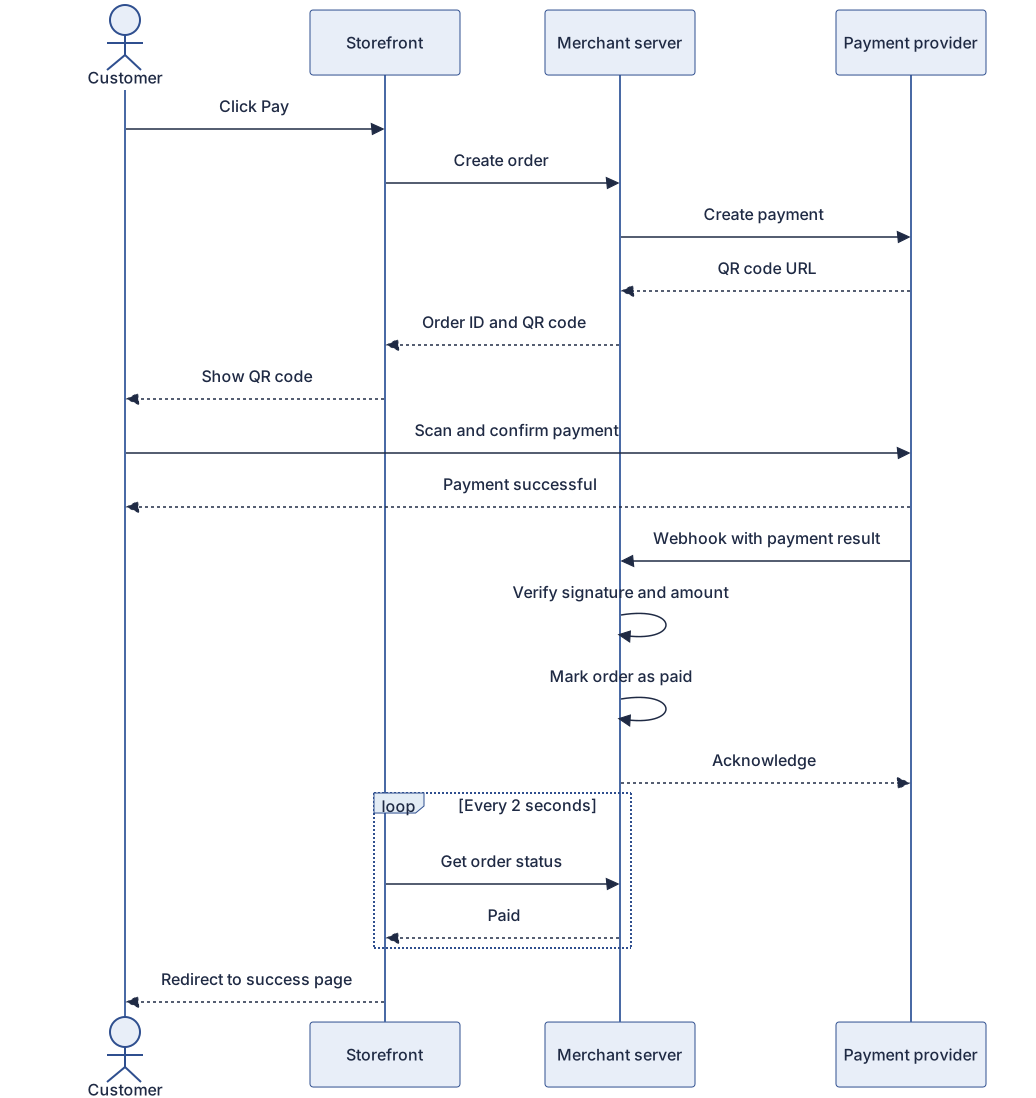 QR code payment sequence diagram template
 SMS one-time code login sequence diagram template
 File upload sequence diagram template
 Message queue async processing sequence diagram template
Updated 2026-11-11